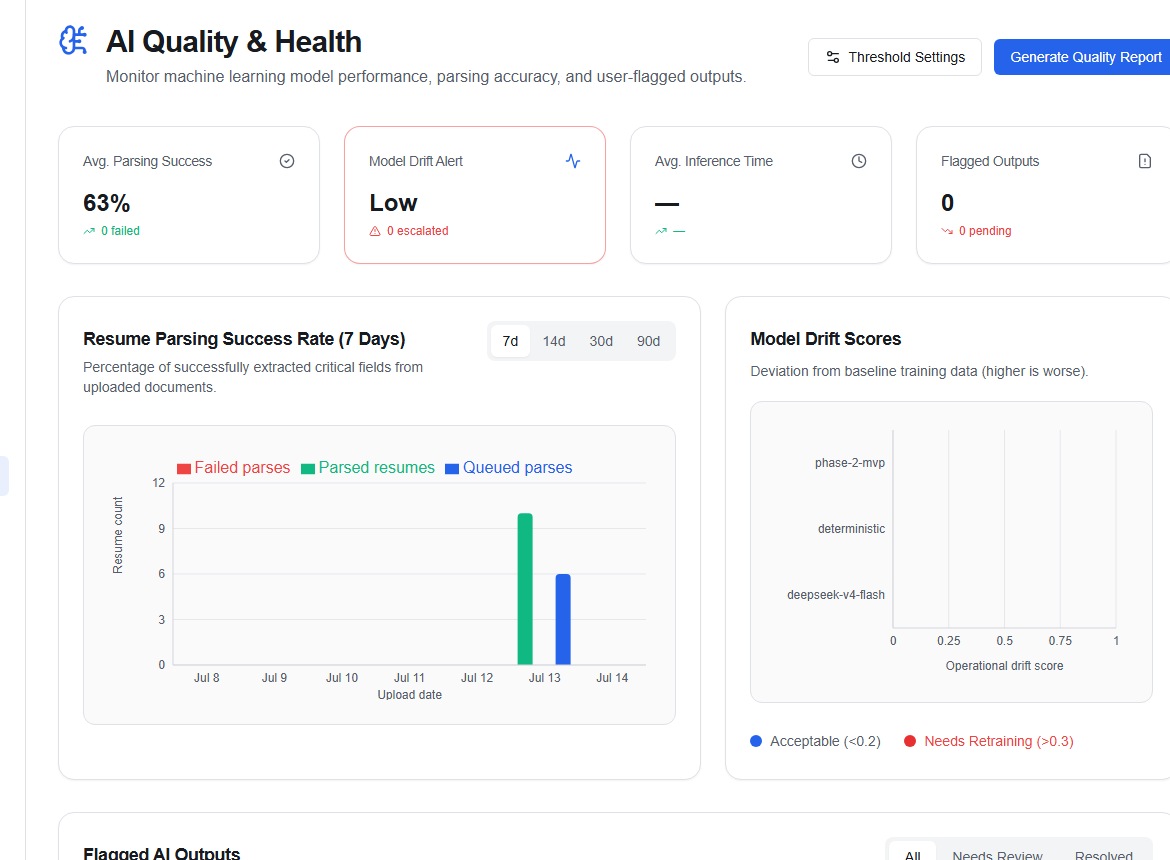
AI quality dashboard
The AI Quality Dashboard (/admin/ai-quality) gives admins a consolidated view of AI system health, resume parser performance, and active review queue metrics — with controls to intervene directly.
Headline metrics
| Metric | Description |
|---|---|
| Avg. parsing success | Percentage of resumes successfully parsed (target ≥ 92%) |
| Model drift alert | Low or Moderate based on escalated review count |
| Inference delta (ms) | Average latency of AI inference calls |
| Pending reviews | AI outputs still awaiting human review |
Operations health
Pulled from the operations dashboard, this section shows:
- Resume stats — total resumes, parse rate, failure count, and queued count
- Resume backlog — number of resumes queued for processing
- Active workers — server nodes handling parse/match jobs
AI review items (filter panel)
The review item table lists AI outputs filtered by:
- All — every review item
- Pending — awaiting approval
- Approved — passed review
- Rejected — failed review
- Escalated — flagged for senior review
For each item you can click Approve or Reject directly from this page, or open the full AI Review Hub for detailed inspection.
AI settings override
Admins can adjust live AI settings from this page:
- Auto-approve threshold — confidence score above which AI outputs are published without review (default 0.85)
- Model selection — active LLM endpoint for parsing and matching
Click Save settings to apply changes immediately.
Export AI data
Click Export AI data to download a snapshot of AI metrics and review item statuses.