Jobs & Moderation
Administrators regulate job postings and enforce safety guidelines across the platform.
Jobs moderation queue
The Jobs Moderation queue (/admin/jobs) logs all open job postings for compliance checks.
Moderation controls
- Approve: Clear a job post for public matching and candidate searches.
- Flag / Suspend: Temporarily hide a job post due to missing info or unclear requirements.
- Reject: Archive a posting that violates terms of service (e.g., fraudulent schemes or discriminatory content).
Flagged keywords
The moderation system highlights postings containing blacklisted words or external payment URLs.
Trust & Safety dashboard
The Trust & Safety center (/admin/trust-safety) coordinates security reports:
| Report Type | Description | Action |
|---|---|---|
| Spam Reports | Candidates flagging repetitive messages | Warn recruiter or block account |
| Fake Companies | Businesses using public domains (e.g. Gmail) | Revoke company verification |
| Harassment | Candidate or recruiter messaging logs | Suspend account |
Data exports
To comply with data privacy policies (GDPR/CCPA) or for system audits:
- Navigate to the moderation settings or dashboard overview.
- Click Export Platform Data.
- Choose the export scope (Users, Jobs, or System Logs) and file format (CSV/JSON).
- Click Generate Export.
- Once complete, click Download.
warning
Exported files contain Personally Identifiable Information (PII). Ensure you handle these files according to your company's privacy policies.
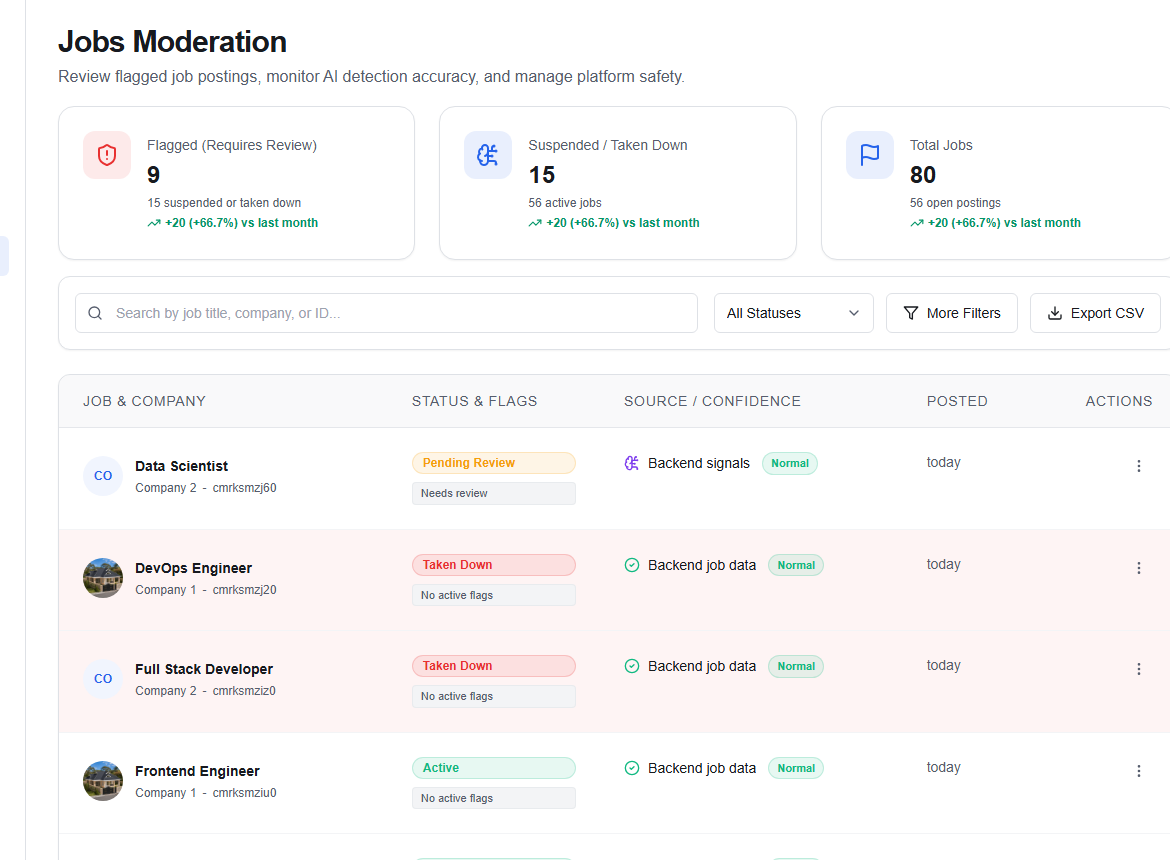
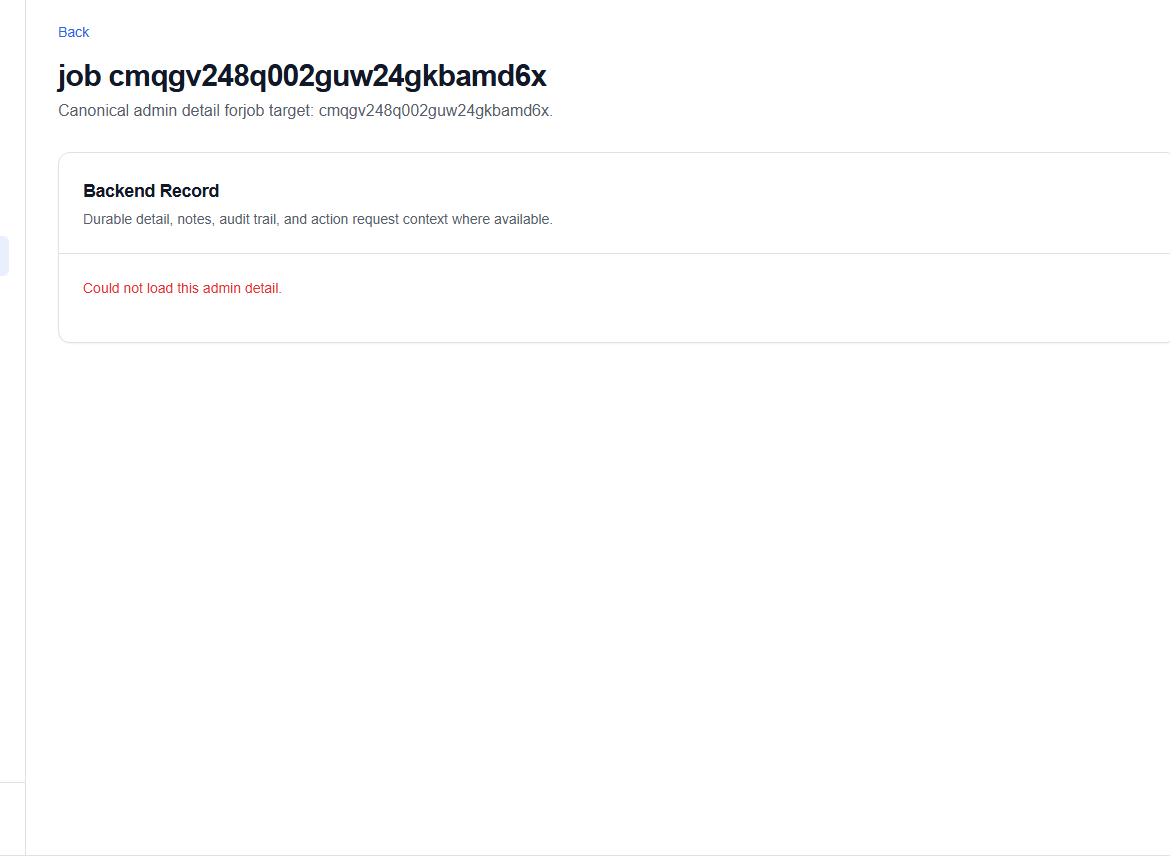
Open a job to review its backend record, audit logs, and action requests before moderating it.