Use the Review Hub
The hub (/ai-review) summarizes AI operations volume, error classifications, recent flagged items, and the available review queues.
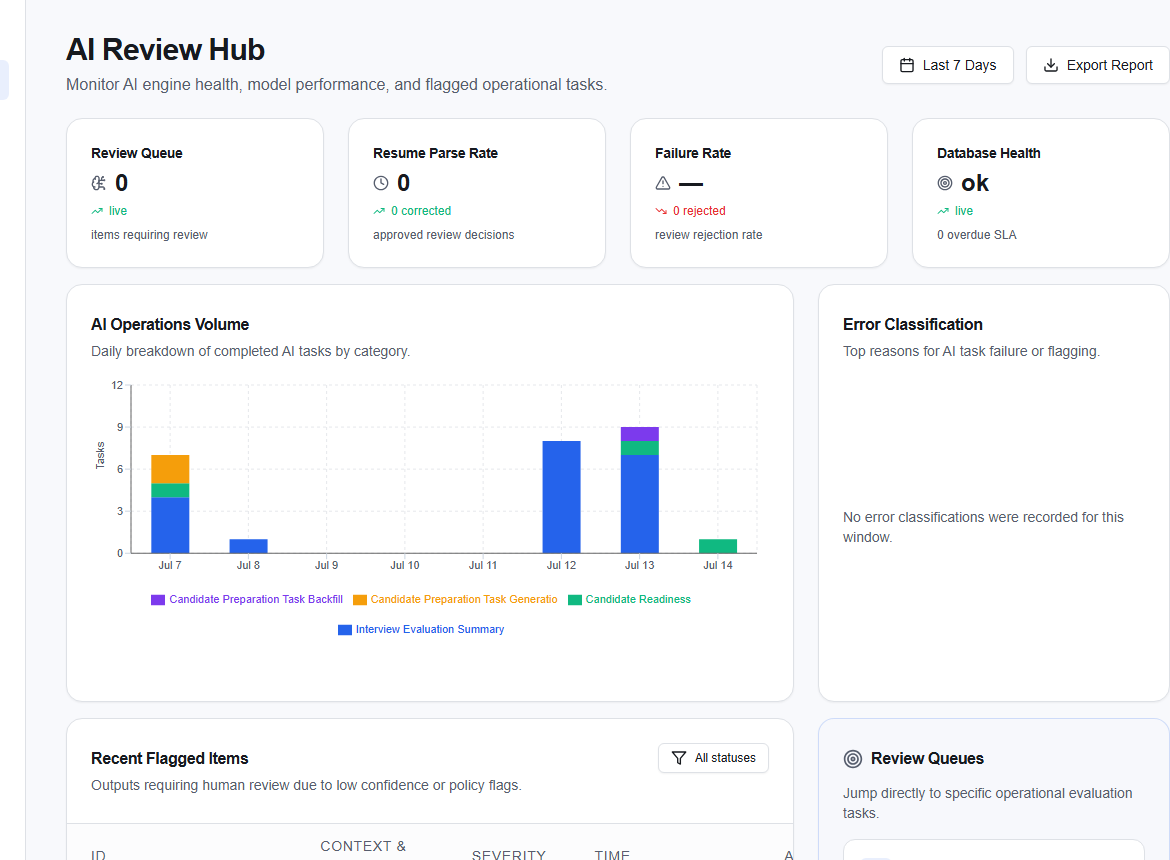
Filter the reporting window, export a permitted report, or choose Review on a flagged item. View All Flagged Items opens the queue. Shortcut cards open Prompts, Rankings, Summaries, Interviews, and Global Evaluations.
Interpret evaluations
Evaluations (/ai-review/evaluations) shows the Inter-Rater Agreement trend, top reviewers, and a reviewer-performance roster.
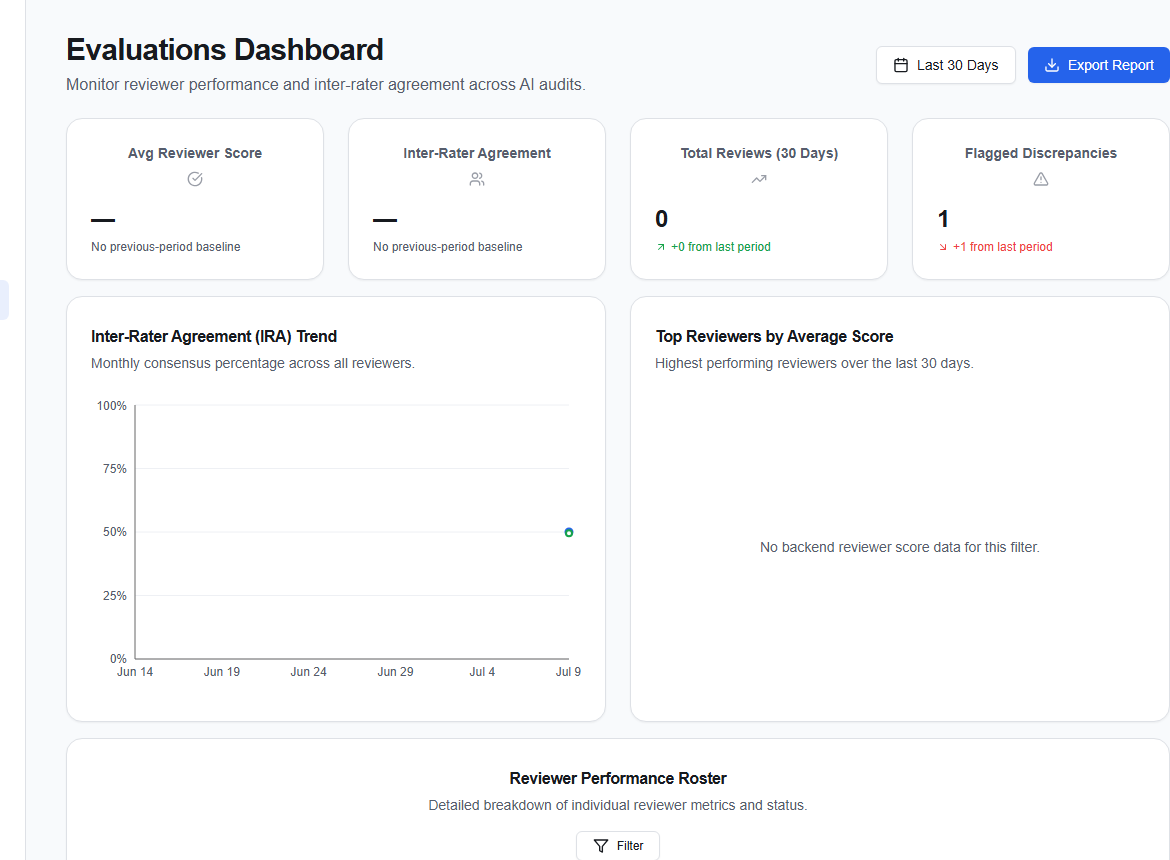
Use the date range and filters before comparing results. Agreement indicates consistency, not automatic correctness; investigate changed rubrics, ambiguous examples, and reviewer calibration when it moves unexpectedly.
Record why a result is wrong using the shared taxonomy and source evidence. Specific annotations are more useful for remediation than a low score alone.