Authentication & API keys
Every request to the OikoHire external API must be authenticated using a company-issued Bearer API key.
Key format
OikoHire API keys follow a fixed pattern:
sk_live_<43-character base64url string>
| Segment | Example | Description |
|---|---|---|
sk_live_ | sk_live_ | Production environment prefix |
sk_test_ | sk_test_ | Non-production / staging prefix |
| 43-char suffix | aB3cD4e... | Cryptographically random, base64url encoded |
The key is shown once at creation time. OikoHire stores only a hashed version — if you lose the key you must create a new one.
Sending the key
Pass the key in the Authorization header as a Bearer token:
GET /api/v1/external/candidates HTTP/1.1
Host: api.oikohire.com
Authorization: Bearer sk_live_aBcDeFgHiJkLmNoPqRsTuVwXyZ0123456789abcde
Content-Type: application/json
API keys must only be used server-side. Never include them in frontend JavaScript, mobile apps, or any client-side bundle. Treat them like passwords.
Scopes
Every API key is automatically granted all available scopes when created. The scopes gate individual endpoints:
| Scope | Grants access to |
|---|---|
candidates:read | GET /external/candidates |
ai:match | POST /external/ai/match-jobs |
ai:score | POST /external/ai/score-interview |
jobs:read | GET /external/jobs/:id |
If your key lacks the required scope for an endpoint, the API returns a
403 FORBIDDEN with "error": "FORBIDDEN".
Subscription requirement
API key authentication also validates that your company has an active or trialling subscription. If your subscription lapses, all API calls will return:
{
  "statusCode": 403,
  "error": "FORBIDDEN",
  "message": "API key requires an active subscription"
}
Error responses
| Status | error code | Meaning |
|---|---|---|
401 | UNAUTHORIZED | Missing, malformed, expired, or revoked key |
403 | FORBIDDEN | Valid key but insufficient scope or inactive subscription |
429 | RATE_LIMITED | Too many requests — see Rate limits |
All error bodies follow the shape:
{
  "statusCode": 401,
  "error": "UNAUTHORIZED",
  "message": "Invalid API key"
}
Acquiring your key
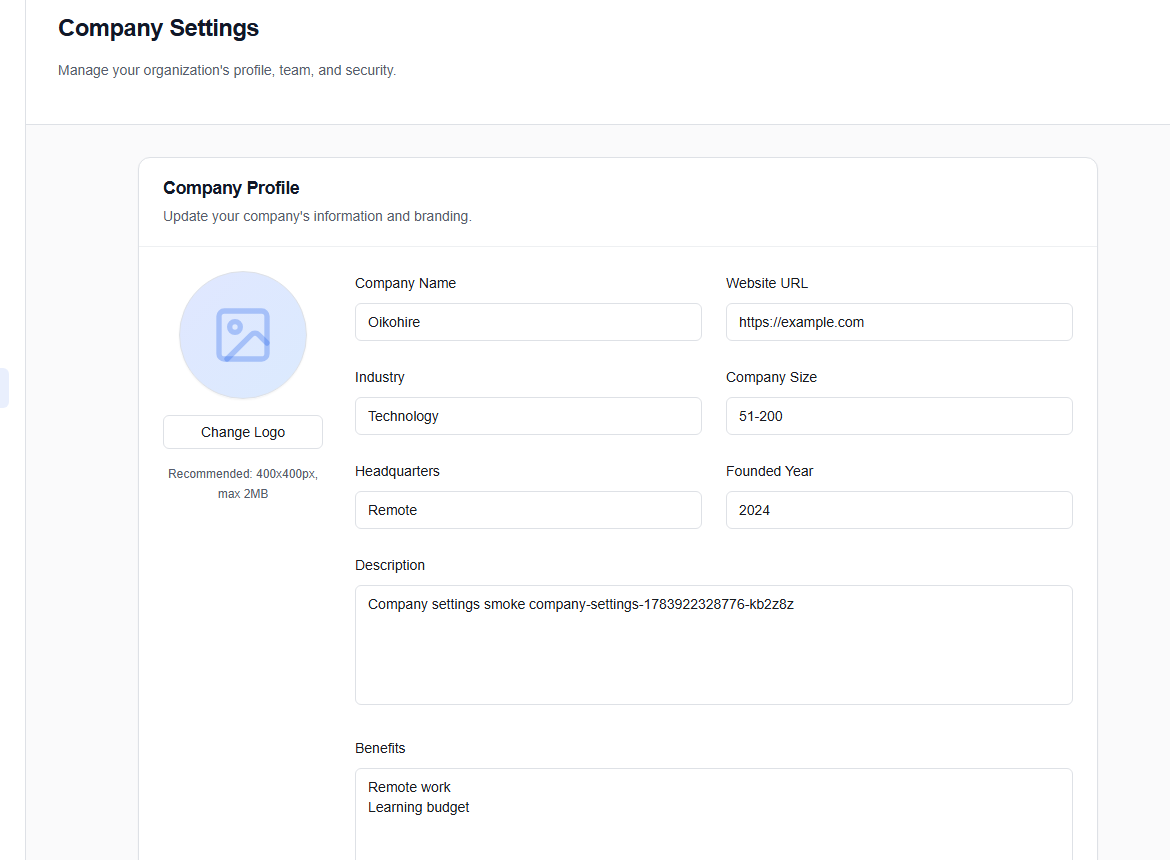
API keys are generated from the Company Settings → API Keys section inside your OikoHire Company dashboard.