Managing API keys
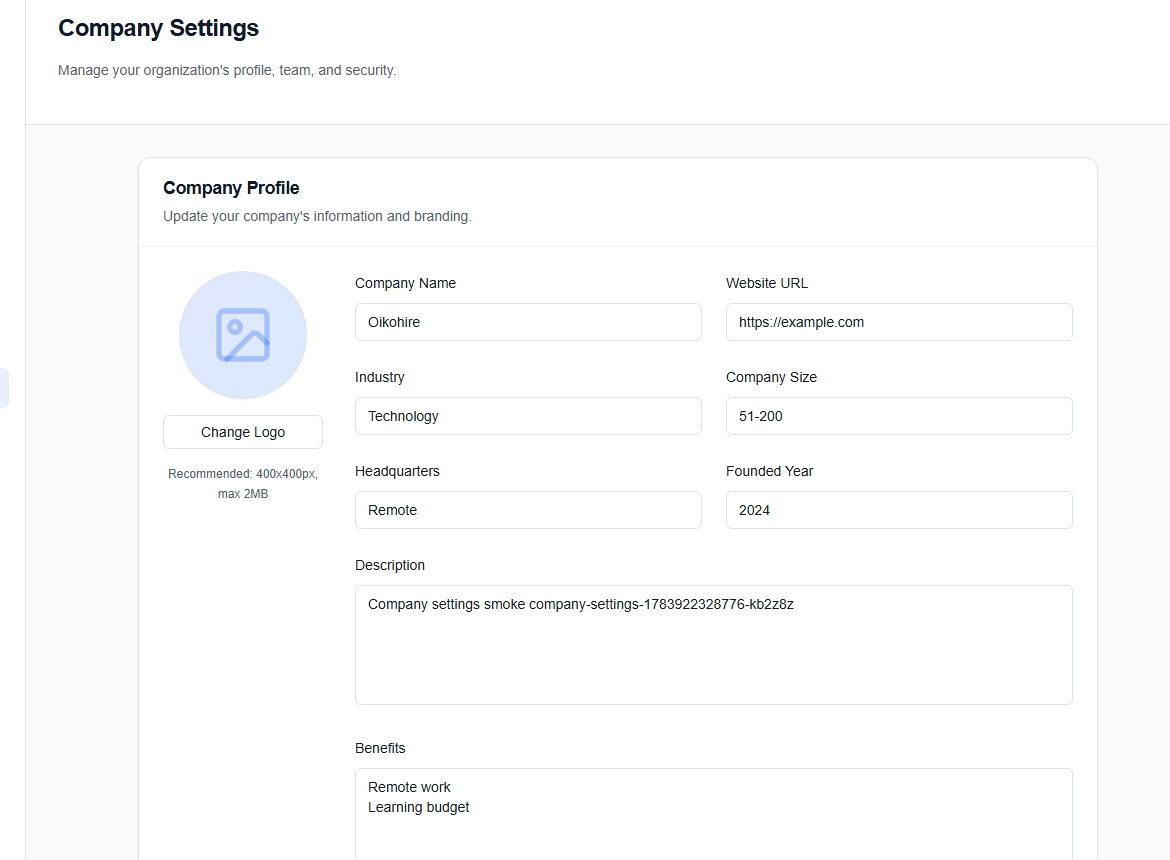
API keys are created, monitored, and revoked from the Company Settings dashboard in your OikoHire account. No direct API access is required to manage them.
Creating a key
- Log in to your Company account at oikohire.com.
- Navigate to Settings → API Keys.
- Click Create API key.
- Give it a descriptive name (e.g.,
Production Integration) and optional description. - Click Generate.
OikoHire displays the full API key secret only once, at creation time. After you close or navigate away from this dialog, only the key's prefix (first 18 characters) is stored in our system.
If you lose the key, you must revoke it and generate a new one.
The newly generated key has the format:
sk_live_aBcDeFgHiJkLmNoPqRsTuVwXyZ0123456789abcde
Store it immediately in a secrets manager (e.g., AWS Secrets Manager, HashiCorp Vault, GCP Secret Manager, or a .env file excluded from version control).
Viewing active keys
The API Keys panel lists all keys associated with your company with:
- Name and description
- Prefix — the first 18 characters of the key (safe to display)
- Last used — timestamp of the most recent authenticated call
- Call count — total authenticated requests made with this key
- Status —
activeorrevoked
Revoking a key
- Locate the key in the API Keys panel.
- Click Revoke next to the key you want to deactivate.
- Confirm revocation in the dialog.
Revoked keys are rejected immediately on the next API call. The revocation is reflected in real-time via the Redis cache layer, so there is no propagation delay.
A revoked key cannot be re-activated. Generate a new key for the integration and update your secrets accordingly.
Key rotation checklist
When rotating a key (e.g., following a suspected exposure):
- Generate a new key in the API Keys panel.
- Deploy the new key to your integration (update your secrets store or environment variables).
- Verify that your integration is working with the new key.
- Revoke the old key only after confirming the new key is active.
This zero-downtime rotation sequence ensures no request gaps between old and new keys.
Webhooks
In addition to polling the API, your company can configure webhook endpoints to receive push events from OikoHire. Webhooks are managed from Settings → Webhooks:
| Event | Description |
|---|---|
candidate.created | A new candidate profile is created |
job.updated | A job listing is modified |
Each webhook target requires a public HTTPS URL. Configure and toggle webhooks active/inactive without revoking your API key.