Manage Candidate billing
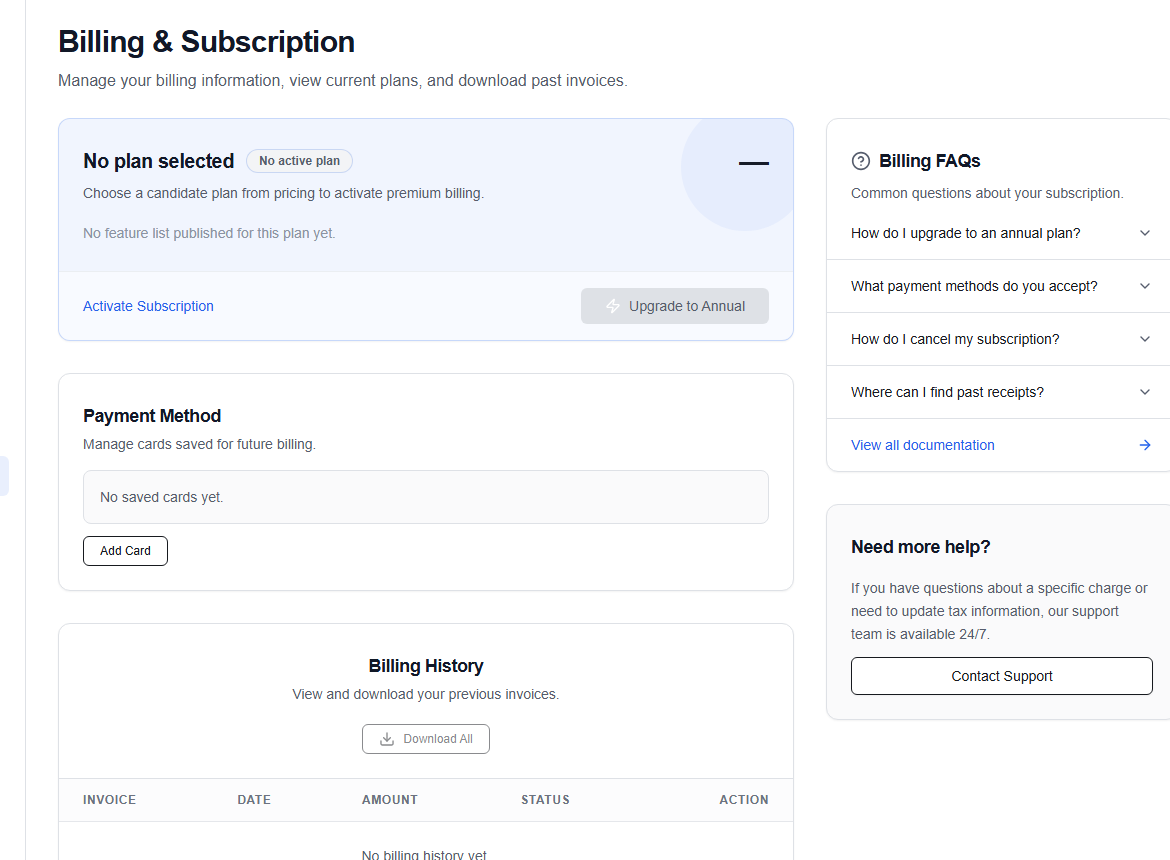
Billing (/dashboard/candidate/billing) shows your Candidate Premium status, payment method, usage or plan details, and billing history.
Subscription actions
- Activate Subscription starts the available Candidate plan flow.
- Upgrade to Annual switches the billing cadence when the option is available.
- Add Card opens the payment-method flow.
- Download All retrieves available billing records.
The page also includes common billing questions. Expand a question to see guidance, or choose View all documentation for more help.
warning
Payment and customer-portal screens may open through the configured billing provider. Confirm the plan, billing cadence, currency, and total before approving a charge.
If a payment succeeds but the page does not update immediately, refresh once and check the billing history before trying again. For an unresolved charge or receipt issue, contact support with the invoice reference—never send full card details.