Keep hiring conversations moving
Messages (/dashboard/candidate/messages) combines recruiter and company conversations in one inbox.
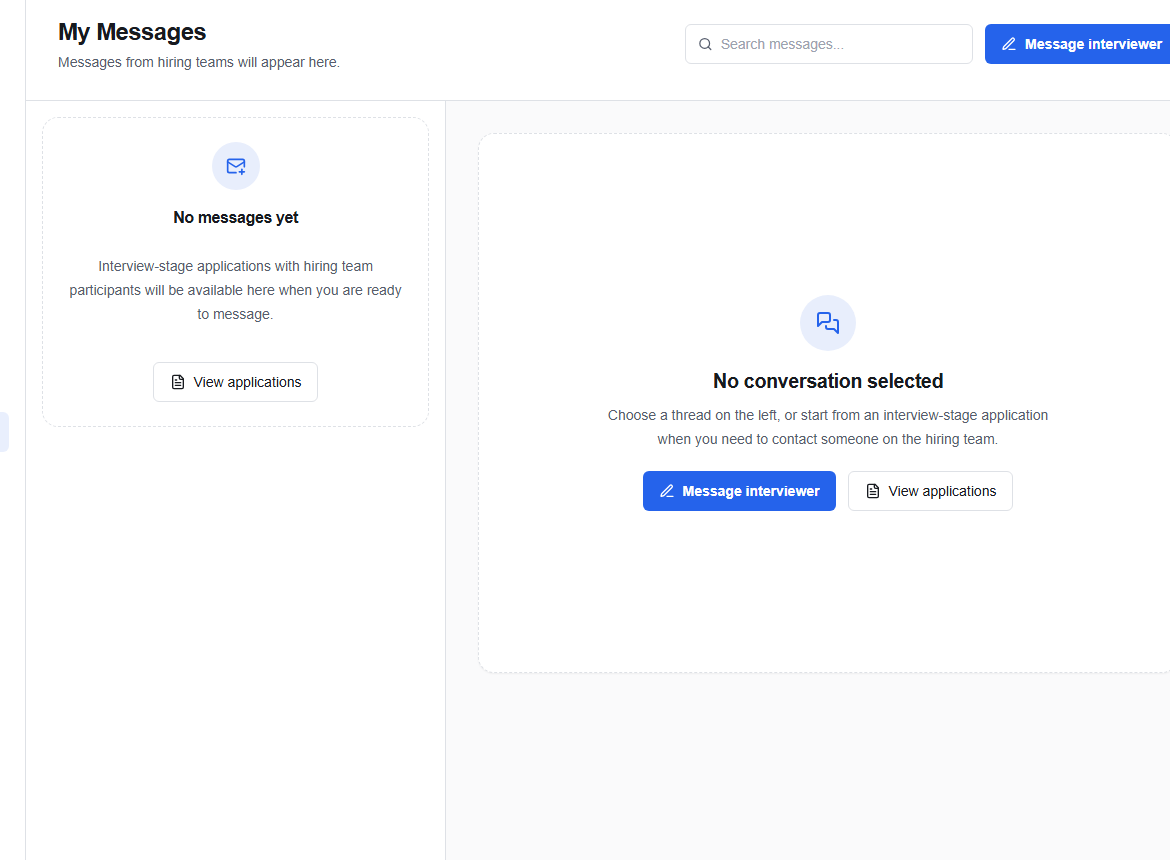
Use the inbox
- Search messages or connections.
- Choose a conversation.
- Read the job and conversation context before replying.
- Write in Reply to conversation… and choose Send.
Depending on the conversation, you can use View Job, Attach Resume, or Schedule Interview. Only attach the resume version you want that employer to evaluate.
Write a useful reply
Keep it short, specific, and easy to act on:
Thanks for reaching out. Tuesday at 10:00 EAT or Wednesday at 14:00 EAT both work for me. Please let me know which time you prefer.
warning
Do not share passwords, one-time codes, bank details, or identity documents in chat. OikoHire support will not ask for your password.
Use the New action to begin a conversation when the current context allows it. If no thread is selected, the right side remains intentionally empty.