Manage Candidate settings
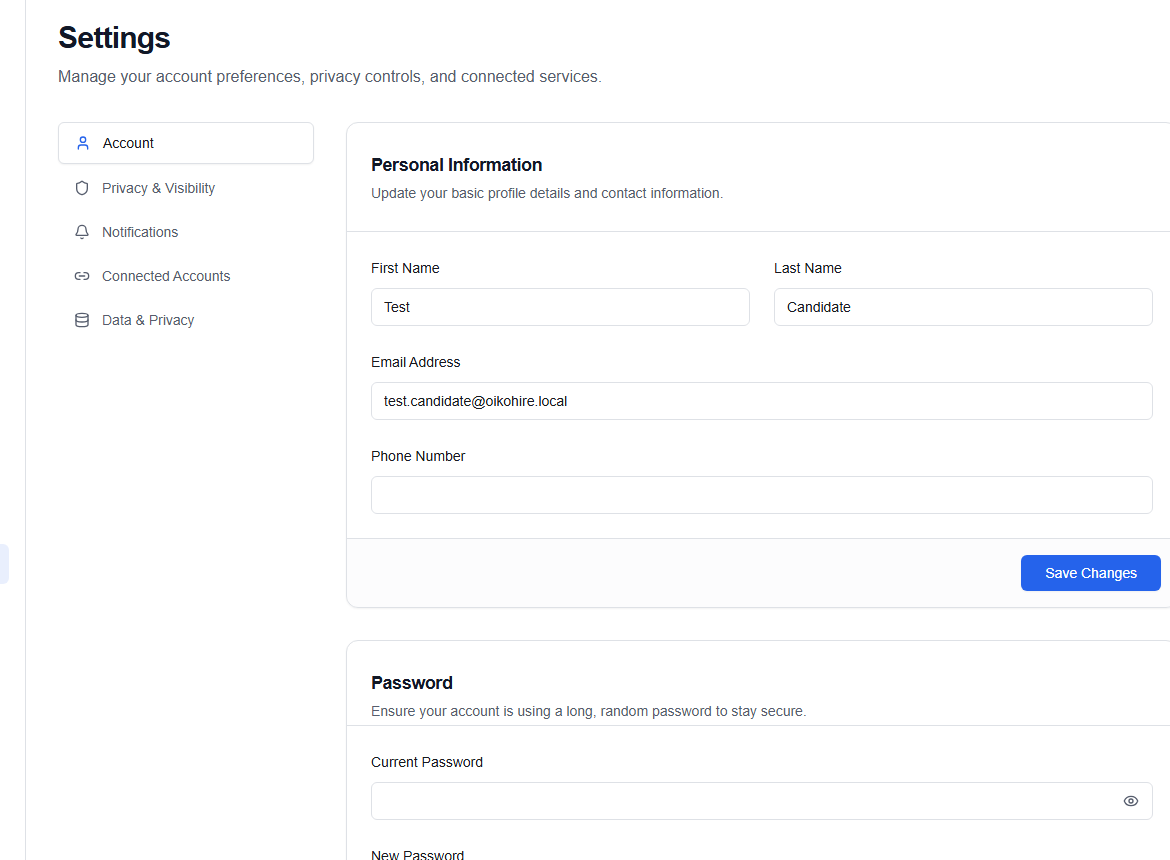
Settings (/dashboard/candidate/settings) is where account-level preferences live. Profile content belongs in Profile; security, connections, and personal account details belong here.
Privacy & visibility
Review who can discover your candidate profile and how your information is presented. Save changes before leaving the page.
Connected accounts
Use Connected Accounts to connect or refresh providers such as LinkedIn. A connected LinkedIn profile can open the import review.
Personal information
Update first name, last name, email address, and phone number, then choose Save Changes. A changed email or phone may require verification before it becomes the active sign-in identifier.
Password
Enter the current password, then the new password twice. Use Show password only when nobody can see your screen.
Use a unique password stored in a password manager. If you do not know the current password, sign out and use Reset password.
Data & privacy
Read export or deletion actions carefully. Some changes are irreversible or require an identity check. Download anything you need before confirming a deletion request.