Review a Company candidate
A candidate route (/dashboard/company/candidates/:id) presents the candidate’s summary and skills within the active company context.
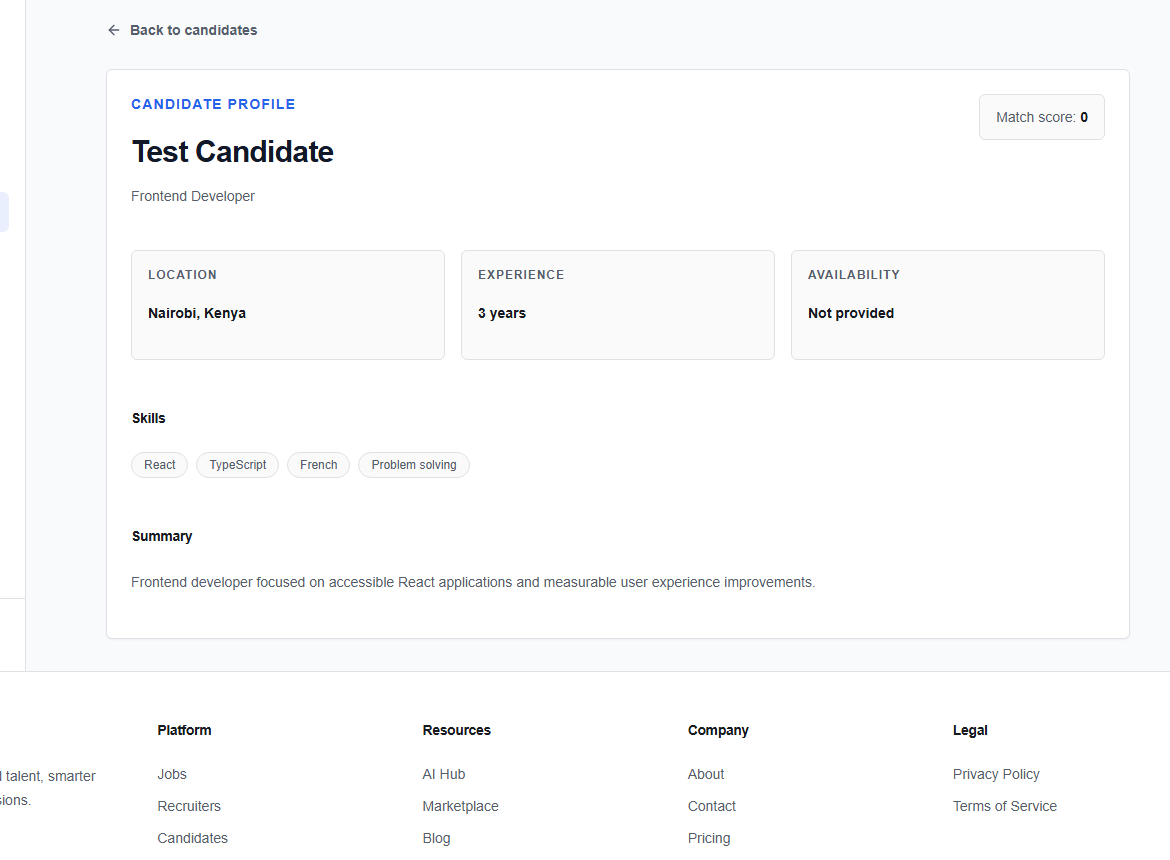
Review the profile
Read the summary, inspect the skills and available supporting evidence, and compare it with the approved job criteria. Use Back to candidates to return to the board.
tip
Open the role brief alongside the candidate. Evaluate the same essential criteria in the same order for everyone; this makes collaboration and later decisions easier to explain.
If profile evidence is missing, request clarification through the appropriate message thread rather than inferring experience from a match score.