Manage the Company candidate pipeline
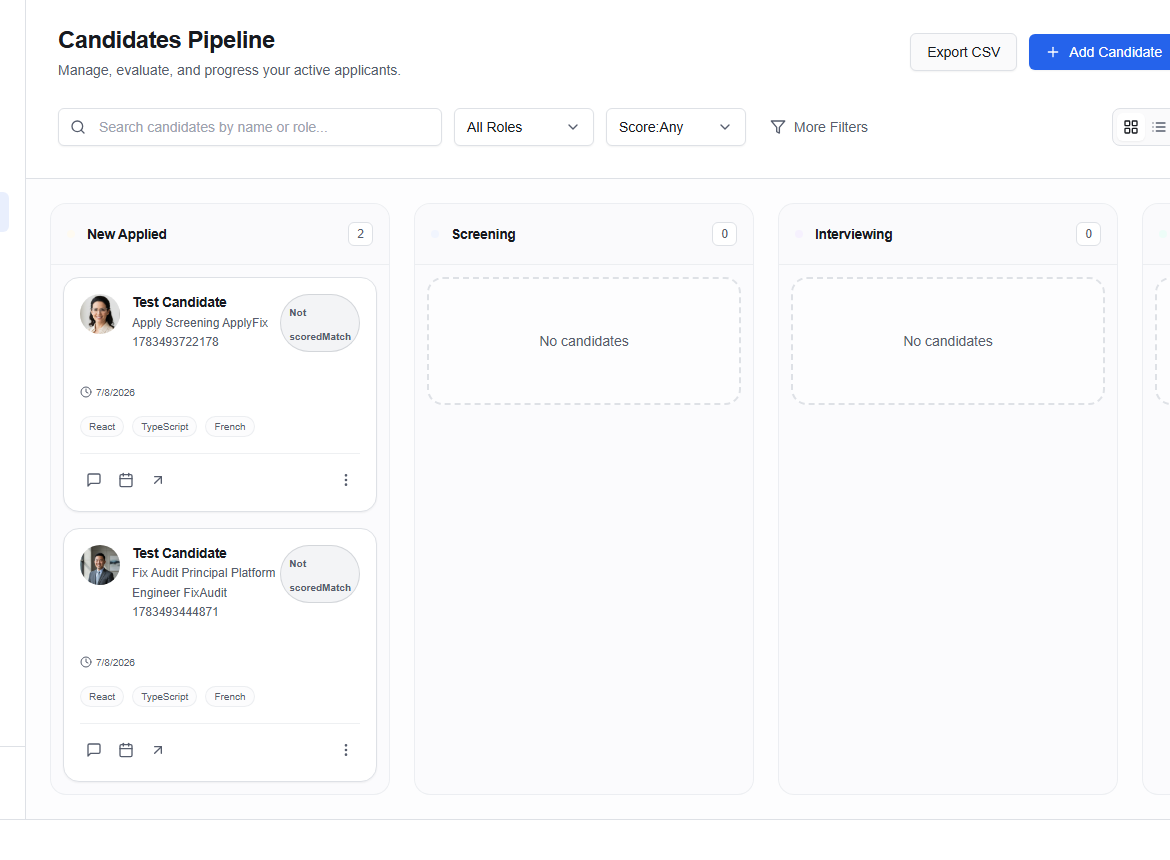
Candidates (/dashboard/company/candidates) organizes applicants across Applied, Screening, Interview, Offer, and Hired.
Filter the board
Search by candidate name or role, then narrow by role, score, or More Filters. Choose a candidate card for the detail view.
Add Candidate brings a permitted candidate into the company process. Export CSV downloads the current reporting view.
Move candidates with care
Update a stage only after the underlying event or decision occurs. A stage change may affect dashboards, notifications, interviews, and reporting.
Do not use AI match scores as the sole reason to reject or advance someone. Review the candidate’s evidence using consistent, job-related criteria.
Keep the candidate informed through Messages, and record interview feedback promptly in Interviews.