Manage Company jobs
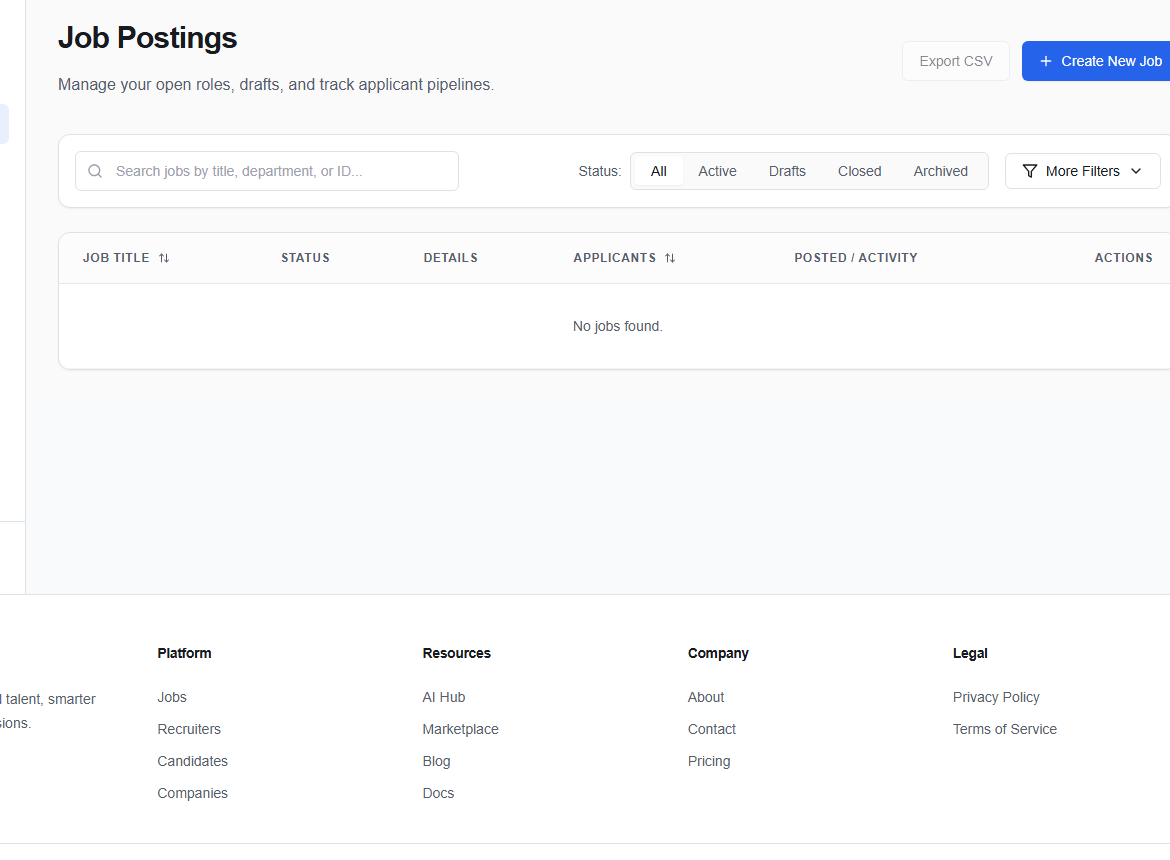
Job Postings (/dashboard/company/jobs) lists roles in the active company workspace.
Find the right role
Search by title, department, or ID. Filter between All, Active, Drafts, Closed, and Archived; use More Filters when you need additional criteria.
Choose Create New Job to add a role, or Export CSV for the current reporting need.
Keep states accurate
- Draft: still being prepared.
- Active: accepting or processing candidates.
- Closed: hiring has ended.
- Archived: retained for history and reporting.
tip
Before closing or archiving a job, review its candidates for unfinished messages, feedback, or final dispositions.
Select a job row to work with its candidates or details. If the company has multiple similar roles, use the job ID to avoid editing the wrong one.