Set up your Company workspace
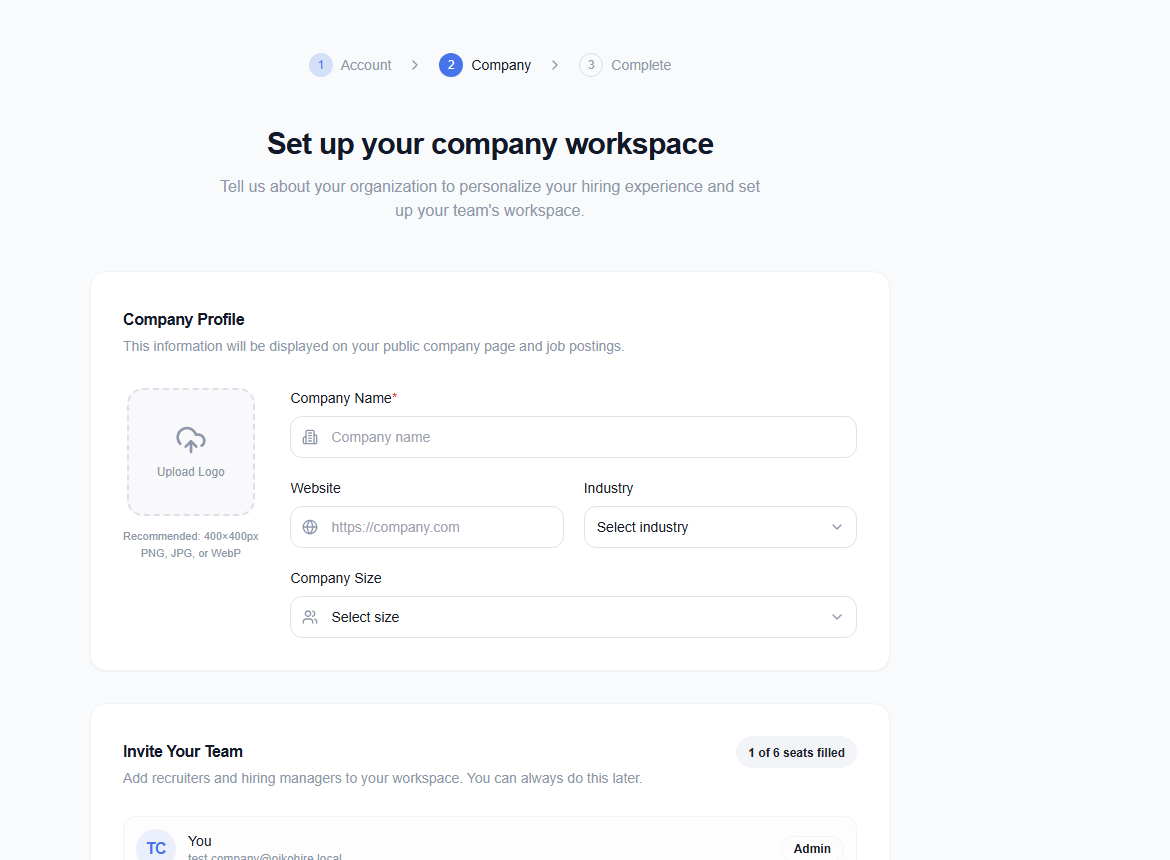
Company onboarding (/onboarding/company) creates the organization context used by jobs, candidates, billing, and team members.
Prepare accurate organization details
Use the legal or commonly recognized company name, official website, industry, company size, and initial hiring plan. You can also upload a logo your team is allowed to use publicly and invite up to five teammates.
Complete verification information
The company signup flow already requires a custom-domain email. Onboarding may ask for additional organization or hiring details used to establish trust and workspace ownership.
After setup, review Team & Settings before publishing the first job. You can invite additional members once the workspace exists.