Your Company dashboard
The Company dashboard (/dashboard/company) is a shared operational overview for the active organization.
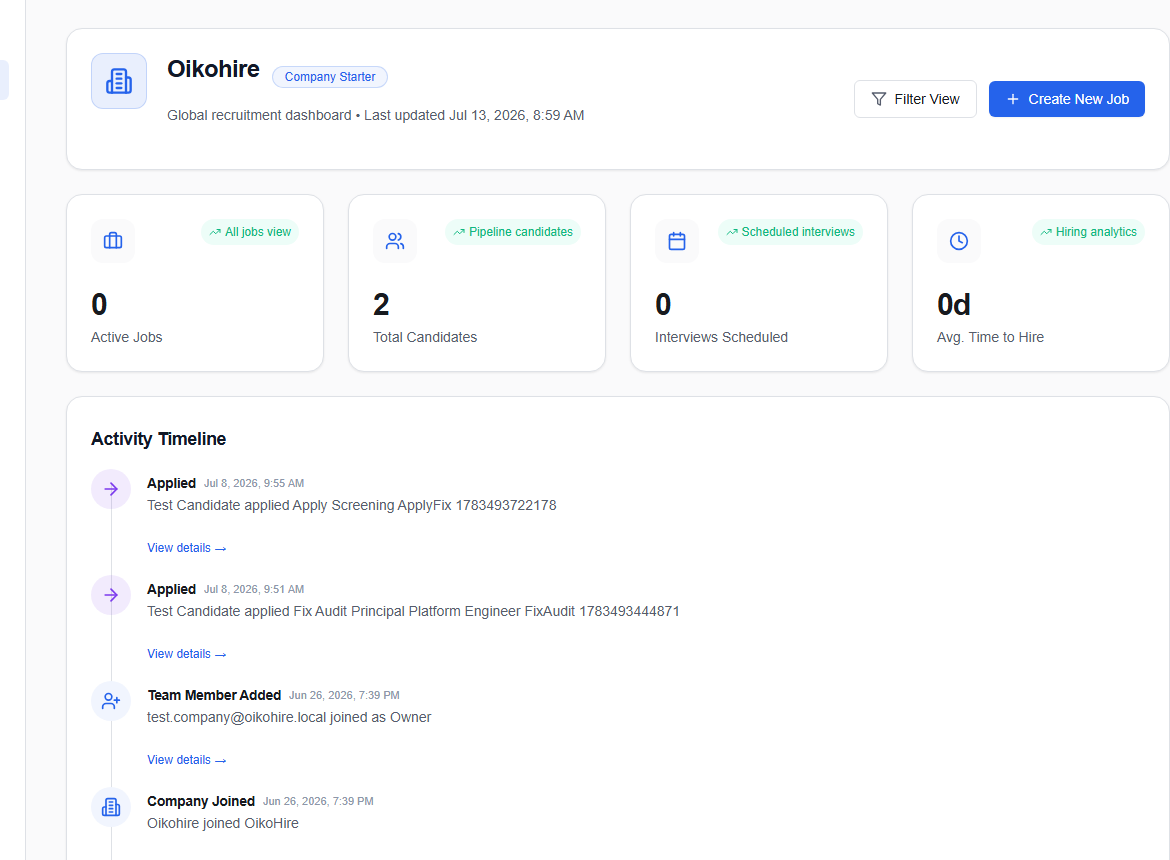
Review action-required items
Start with the items that need a person: pending reviews, interview feedback, approvals, or candidate follow-ups. Choose View all requests for the complete queue.
Check the hiring pipeline
The pipeline summary shows how active candidates are distributed across current stages. Choose View Pipeline Details to open the full candidate board.
Use quick actions
- Post a Job or Create New Job opens the job form.
- Review Candidates opens the candidate pipeline.
- Upcoming Interviews opens interview coordination.
- Manage All Jobs opens the jobs list.
Recent Activity records changes in the workspace, while AI Insights summarizes available hiring signals. Treat insights as prompts for review, not automatic decisions.
info
Dashboard content is scoped to the currently active company. If the page appears unfamiliar, check the account and company context before taking action.