Manage Company settings
Company Settings (/dashboard/company/settings) is the administrative hub for the active organization.
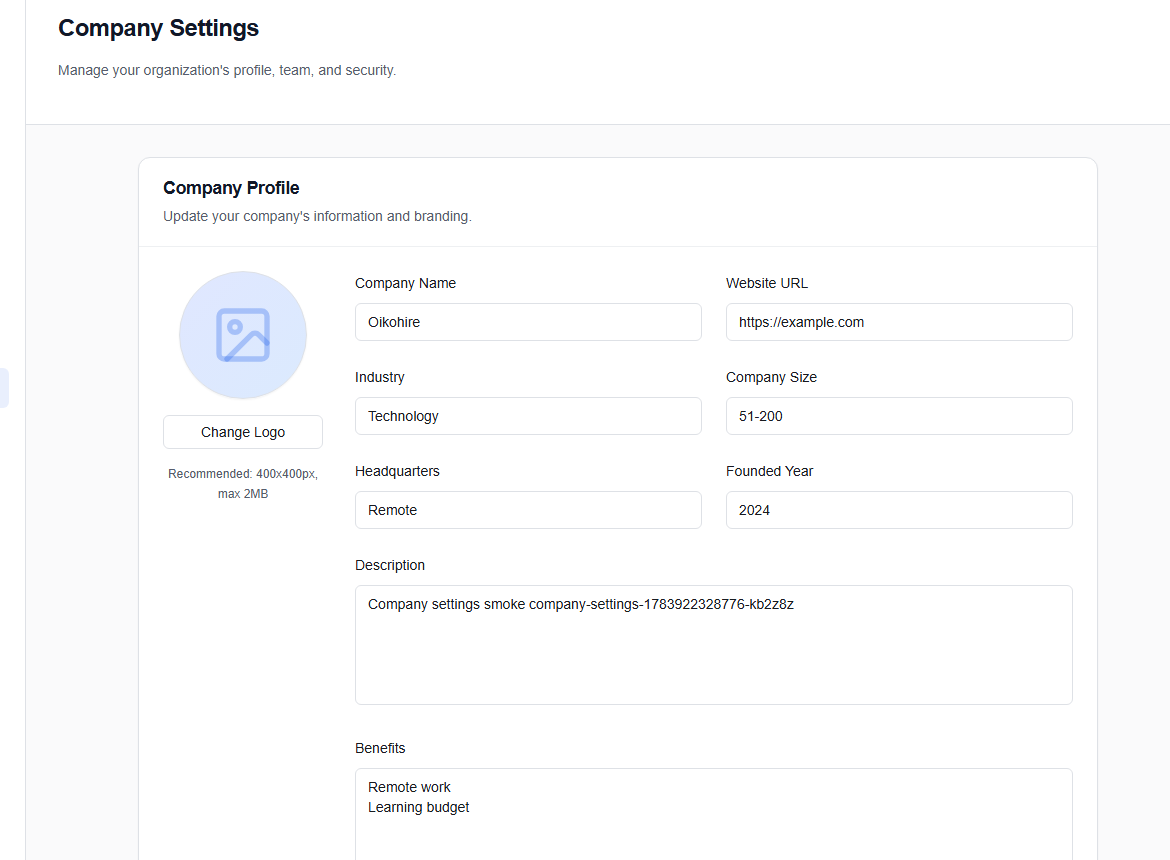
Company Profile
Maintain the public organization fields: name, website, industry, size, location, description, benefits, culture tags, and any permitted visual assets. Choose Save after reviewing the public-facing result; Discard drops unsaved changes.
Team & Roles
Choose Invite Member, enter the person’s email, and assign the appropriate Company role. Use the smallest role that lets them do their work. See Team invitations for the recipient flow.
Webhooks & API Keys
- Generate Key creates a credential for a permitted integration.
- Add Endpoint registers a webhook destination.
- Use the External API guide for authentication and endpoint examples.
Copy a newly generated key into a secret manager. Never paste it into chat, screenshots, source code, or a client-side application. Revoke and replace any exposed key.
Integrations
Choose Connect for supported tools. Provider authorization takes place outside OikoHire; return to Settings to confirm the connection.
Security
Open the Security section to review workspace controls and Configure SSO when available. Coordinate SSO changes with the identity administrator and keep a tested recovery path before enforcing them.