Monitor work tracking and productivity
Work Tracking (/dashboard/recruiter/worktracking) summarizes activity and candidate engagement for the signed-in recruiter.
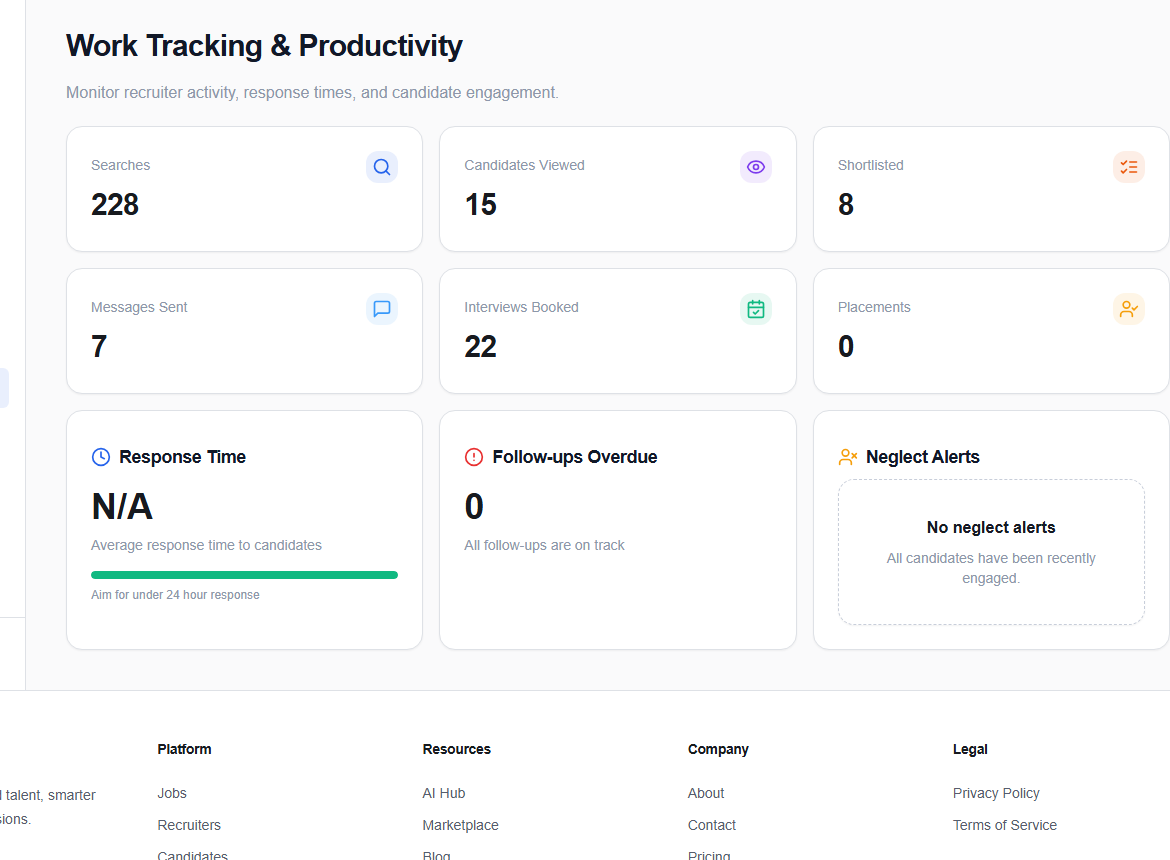
Activity metrics
The top cards report Searches, Candidates Viewed, Shortlisted, Messages Sent, Interviews Booked, and Placements. Use them to understand activity mix—not as a standalone measure of quality.
Response time
Response Time shows the average time to answer candidates. The page treats under 24 hours as a strong target when data is available.
Follow-ups overdue
The overdue card counts candidates waiting past the current follow-up expectation. Open the relevant pipeline or conversation and record the real next step.
Neglect alerts
Neglect Alerts identify candidates without recent engagement and show the reason or days since contact when available. An empty state means all candidates are currently engaged.
Pair activity metrics with outcomes. More searches are useful only when they lead to relevant reviews, timely conversations, fair decisions, and a healthy candidate experience.