Import your LinkedIn profile
Candidate accounts can connect LinkedIn to prefill identity and profile details. You remain in control: review the imported fields before completing onboarding.
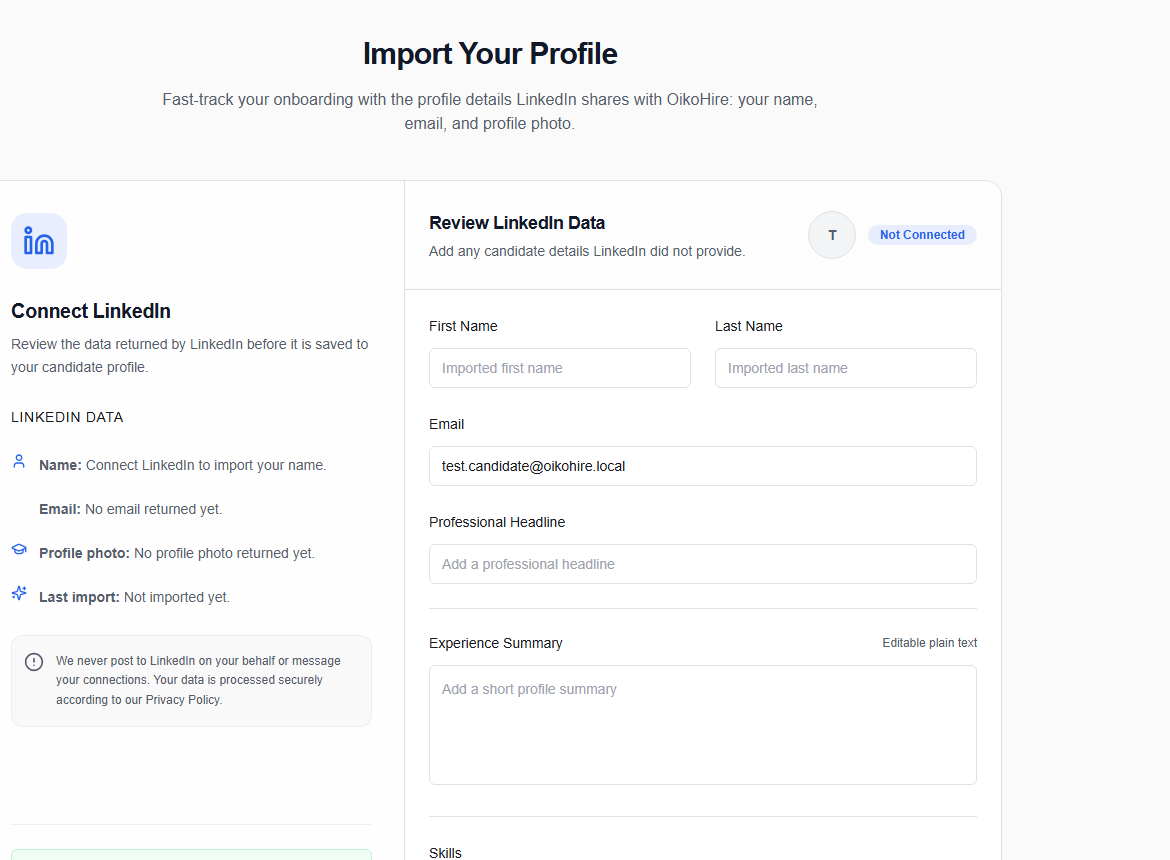
Connect LinkedIn
- Start from Candidate signup, Candidate onboarding, or Settings → Connected Accounts.
- Choose Connect or LinkedIn.
- Approve the requested permissions on LinkedIn.
- OikoHire validates the returned sign-in state and opens the import review page.
- Check your name and imported details, then continue.
tip
LinkedIn import complements your resume; it does not replace it. Upload the resume you want recruiters to evaluate, then review the parsed skills and experience in Resume.
If the connection expires or the profile changes, return to Candidate Settings → Connected Accounts and choose Refresh.