Use two-factor authentication
OikoHire 2FA sends a six-digit code to the verified contact attached to the active challenge. It does not currently use an authenticator-app QR setup.
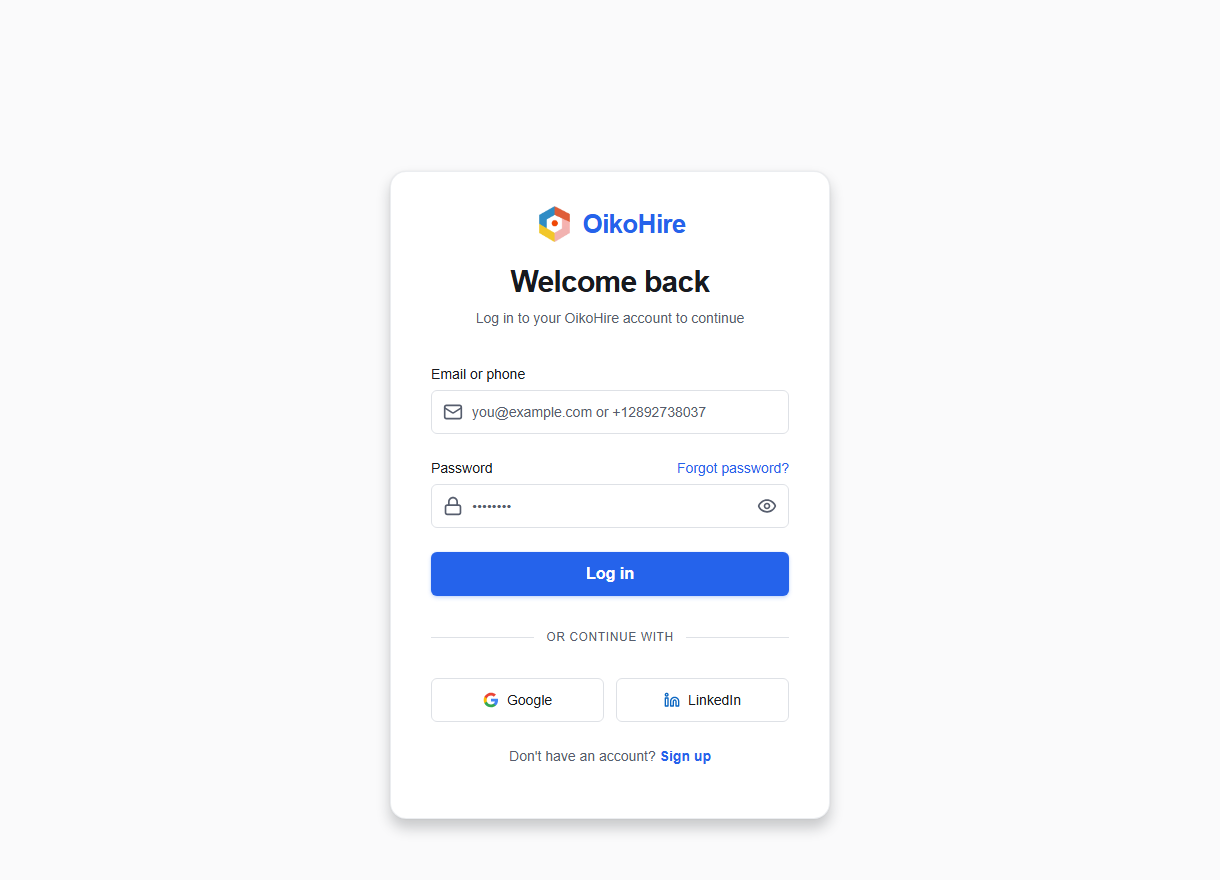
Sign in with 2FA
- Enter your identifier and password.
- OikoHire opens
/two-factorand shows the masked destination. - Enter the six-digit code.
- Leave Remember this device for 30 days selected only on a private, trusted device.
- Confirm the challenge.
Enable 2FA
Open /two-factor/setup, choose Send Setup Code, enter the code sent to your verified contact, then Confirm Setup.
Disable 2FA
Return to the setup page, choose Disable Two-Factor Authentication, and complete the required verification.
warning
Do not share a 2FA code with anyone. OikoHire support will not ask you to send it by chat, email, or phone.
If a code expires, use Resend verification code after the countdown and enter only the newest code.