Change platform settings
Platform Settings (/dashboard/super-admin/platform-settings) includes global configuration, approval controls, rollout settings, and emergency maintenance access.
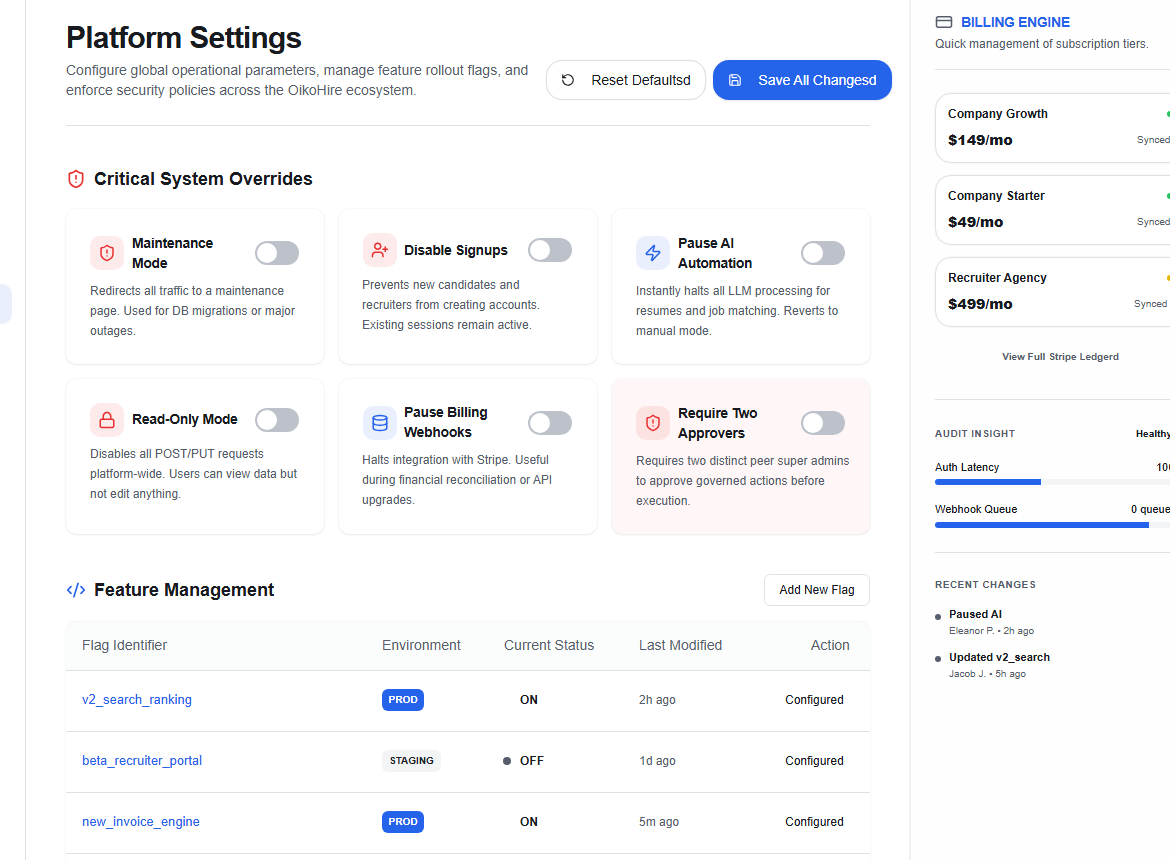
Safe change flow
- Capture the current value and approved desired value.
- Confirm whether two Super Admin approvers are required.
- Test the change in a safe environment or limited rollout.
- Save only the intended setting.
- Monitor the affected service and user journey.
- Revert if the agreed stop condition is reached.
danger
Do not combine unrelated settings in one change. Emergency maintenance is not a shortcut for routine configuration; use it only under the incident procedure.